Japan Travel Safety Tips App: Best Emergency Alerts for Travelers 2024
04/13/2026
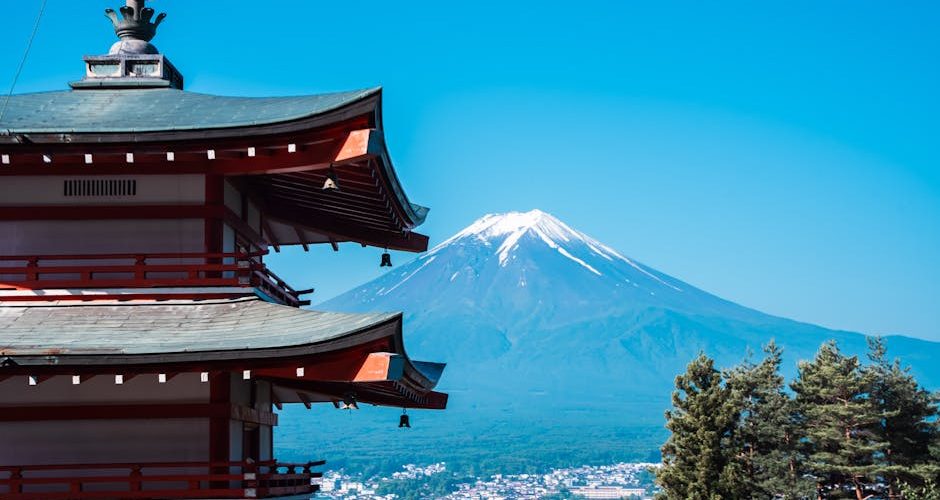
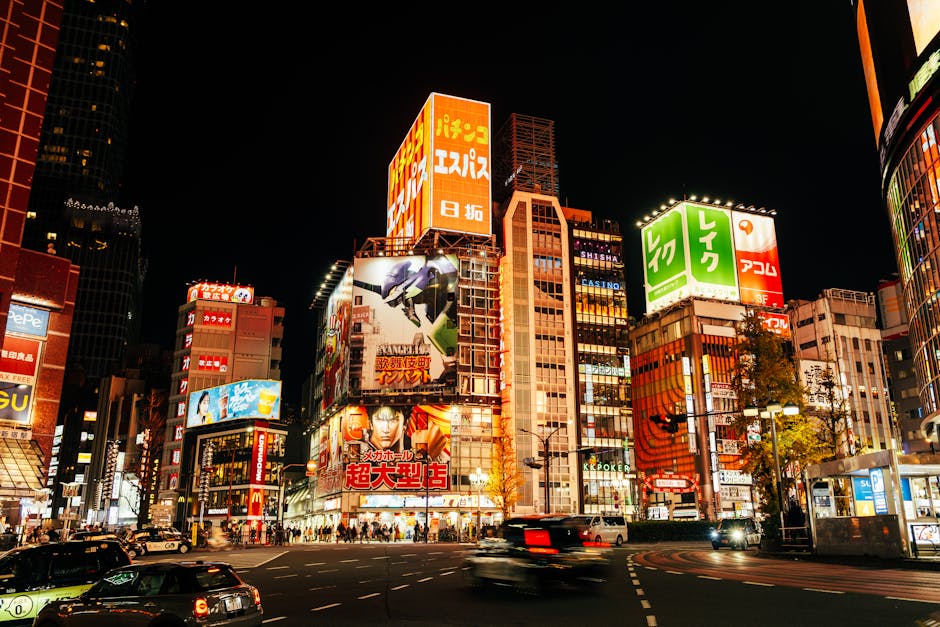
Are you worried about how you’ll handle an earthquake or a sudden weather shift while navigating the neon maze of Shinjuku or the quiet temples of Kyoto? It is a valid concern for any North American traveler heading across the Pacific. Japan is one of the safest countries on the planet regarding crime, but its geography makes it prone to natural events that can be intimidating if you aren’t prepared. I’ve spent years hopping between Tokyo and Osaka, and I’ve learned that the difference between a minor inconvenience and a genuine crisis often comes down to what is installed on your phone before you leave home. Having the right Japan travel safety tips app isn’t just about following the rules; it’s about having a digital lifeline that speaks your language when the ground starts to move.
What is the official Japan travel safety app you need to download?
When you start looking for safety resources, you’ll find plenty of third-party options, but the gold standard is the Safety Tips app developed under the supervision of the Japan Tourism Agency. It was created specifically for foreign tourists who might not understand the Japanese emergency broadcasts blaring from street speakers. I remember being in a small ramen shop in Fukuoka when a sudden alert went off. While the locals didn’t blink, every tourist in the room looked panicked because we couldn’t understand a word of the announcement. This app solves that specific problem by pushing notifications in English, Korean, and Chinese.
The app acts as a centralized hub for Earthquake Early Warnings, Tsunami Warnings, Volcanic Eruptions, and Weather Warnings. It also includes a very helpful “Communication Card” feature. This is essentially a series of pictograms and phrases you can point to if you need to ask for help but find yourself paralyzed by the language barrier. It covers everything from “Is this water safe?” to “I have a heart condition.” If you’re coming from the US or Canada, you’re likely used to the FEMA alerts, but the Japanese system is much more granular. The Safety Tips app allows you to select up to five locations within Japan to monitor, which is perfect if you’re doing a multi-city rail tour. You can keep an eye on your current location while also monitoring your next destination to see if Typhoon season is causing delays.
Key Features of the Safety Tips App
- Earthquake Early Warnings: Provides seconds of notice before the shaking starts, which is enough time to get under a sturdy table.
- Tsunami Warnings: Clear maps showing evacuation zones and safe heights.
- Evacuation Flowcharts: Step-by-step instructions on what to do based on your current surroundings (indoors, outdoors, or on a train).
- Medical Information: A directory of hospitals that specifically cater to non-Japanese speakers.
How do earthquake and tsunami alerts work on your phone in Japan?
North American phones are generally compatible with Japan’s cell broadcast system, but there is a catch. If your phone is on a roaming plan from a US carrier, you might receive the loud, jarring J-Alert siren, but the text will almost certainly be in Japanese. This is why the Safety Tips app is a necessity. It intercepts the data and provides the English translation immediately. I’ve noticed that during minor tremors—the kind that happen frequently in Tokyo—the app is remarkably precise. It tells you the seismic intensity (Shindo scale) rather than just the Magnitude. In Japan, the Shindo scale is what matters because it measures how much the ground actually shakes at your specific location.
The tsunami alerts are even more critical if you are spending time in coastal areas like Kamakura, Kanagawa, or the islands of Okinawa. The app uses your GPS to determine if you are in a risk zone. If a warning is issued, it doesn’t just buzz; it provides a clear directive: “Evacuate to higher ground immediately.” For someone used to the relatively stable geology of the American Midwest or the East Coast, the speed at which these alerts move can be startling. The system is designed to give you every possible second. One thing I’ve learned is to keep the app’s background refresh enabled. It might eat a tiny bit of battery, but you don’t want to be the person manually opening the app while everyone else is already heading for the stairs.
| Alert Type | Source | Primary Action |
|---|---|---|
| Earthquake Early Warning | JMA (Japan Meteorological Agency) | Drop, Cover, Hold On |
| Tsunami Warning | Local Authorities via App | Move to 3rd floor or higher |
| Heatstroke Alert | Weather Services | Hydrate and find AC immediately |
Which translation tools help most during a Japanese medical emergency?
If you find yourself in a clinic or a pharmacy, Google Translate is the obvious choice, but it isn’t always the best for medical nuances. For a more localized experience, I highly recommend VoiceTra. It’s an app developed by Japan’s National Institute of Information and Communications Technology (NICT). It is specifically tuned for the Japanese language and handles the polite vs. casual registers much better than other engines. When you’re trying to explain a specific allergy or a symptom to a doctor who speaks limited English, VoiceTra’s high accuracy in medical terminology can be a lifesaver.
Another tool I always keep in my “safety” folder is DeepL. While Google Translate is great for pointing your camera at a menu or a sign (the AR feature is unbeatable for reading “Emergency Exit” signs), DeepL is what I use when I need to write a complex message to a hotel manager or a police officer. It feels more human and less robotic, which helps avoid misunderstandings during high-stress moments. I once had to explain a lost prescription to a pharmacist in Kyoto, and DeepL managed to convey the urgency and the specific medication name without the usual translation hiccups that plague other apps. It’s free for basic use, though the Pro version offers more features if you’re doing heavy business travel.
Pro Tip: Download the offline Japanese language pack for Google Translate before you leave North America. If the network goes down during a storm, you’ll still have basic translation capabilities available without a data connection.
How can you maintain a reliable data connection for safety apps?
Your safety apps are useless if you don’t have a data connection. Relying on public Wi-Fi in Japan is a recipe for frustration; it’s often gated behind complex login screens that are entirely in Japanese. For North Americans, the most efficient way to stay connected is an eSIM. I personally use Airalo every time I land at Narita or Haneda. You can buy a “Moshi Moshi” plan that gives you 10GB or 20GB of data for a very reasonable price—usually around $10 to $30 depending on the duration. It’s a telecom solution that lets you skip the line at the airport rental kiosks.
If you are traveling with a family or a large group, a Pocket Wi-Fi device might be a better retail choice. These are small routers you carry in your bag. The benefit here is that multiple people can connect, and the signal is often stronger in rural areas like the Japanese Alps. However, the downside is that you have another device to keep charged. If the Pocket Wi-Fi dies, everyone loses their safety alerts at once. That’s why I prefer the individual eSIM approach. It ensures that even if the group gets separated during a crowded festival or an emergency evacuation, everyone has their own map and alert system functioning independently.
Comparison of Connectivity Options
- Airalo eSIM (approx. $18 for 10GB): Pro: Instant activation, no physical SIM card. Con: Requires an unlocked phone.
- Ubigi eSIM (approx. $12 for 3GB): Pro: Very high speeds on the NTT Docomo network. Con: Slightly more expensive per GB than Airalo.
- Global Advanced Communications Pocket Wi-Fi (approx. $70/week): Pro: Unlimited data, connects 10 devices. Con: Must be returned at the airport, needs charging.
Using apps to find evacuation shelters and English-speaking hospitals
Finding your way to a shelter in a foreign city is a daunting task. The NHK World-Japan app is an excellent secondary resource to the official Safety Tips app. While Safety Tips gives you the “what,” NHK World gives you the “why” and the “where.” They have a 24/7 live stream in English that covers major news events and disasters. During the heavy rains in Kyushu last year, I relied on NHK to understand which train lines were being suspended. The app also has a built-in map that highlights designated evacuation centers. In Japan, these are often local elementary schools or community centers.
For medical needs, the Japan Medical Guide (often accessible via the Japan National Tourism Organization website) is the best way to find a doctor. It allows you to filter by specialty and, more importantly, by the languages spoken at the facility. Many travelers don’t realize that Japanese pharmacies (Drugstores like Matsumoto Kiyoshi) are great for minor ailments, but for anything serious, you need to find a “Clinic” or a “General Hospital.” Having an app that can map the route to an English-speaking clinic saves you from the stress of trying to explain your symptoms to a dispatcher on the 119 emergency line.
I also recommend keeping a digital copy of your travel insurance policy in a dedicated folder on your phone. If you’re using a provider like Allianz or World Nomads, they often have their own apps with a one-touch “Emergency Assistance” button. These services can coordinate with Japanese hospitals to handle payment directly, which is vital because many Japanese medical facilities still prefer cash or have specific billing procedures that can be confusing for North Americans.
What are the best ways to pay for emergency services and supplies?
While Japan is becoming more card-friendly, cash is still king in many emergency scenarios. If a natural disaster occurs, electronic payment systems might go offline temporarily. This is where your financial apps come into play. I always use Wise (formerly TransferWise) to manage my yen. You can hold a balance in JPY and use their physical or digital card at almost any 7-Eleven ATM, which are the most reliable places to get cash in Japan. The exchange rates are significantly better than what you’ll get at a bank or an airport kiosk.
Another essential “safety” app is actually Apple Wallet or Google Pay with a Suica or Pasmo card added. Even if you aren’t taking the train, these digital transit cards are accepted at almost every vending machine and convenience store in the country. If you need to grab a bottle of water or a quick snack during a power outage or a long wait at a station, tapping your phone is much faster than fumbling with coins. You can top up these cards directly from your phone using a North American credit card (though Visa has had some issues recently, Mastercard and Amex usually work fine). Having 5,000 yen pre-loaded on a digital Suica is a great backup plan for basic survival needs.
What physical gear should supplement your safety apps?
No matter how many apps you have, they are useless if your phone is dead. The battery drain in Japan is real because you’ll be using GPS constantly to navigate the complex streets. I never leave my hotel without a high-capacity power bank. My personal favorite is the Anker 737 Power Bank. It costs around $130, but it can charge an iPhone 15 Pro about four times. It’s a bit heavy, but in an emergency situation where you might not have access to a wall outlet for 24 hours, it is worth the weight. For a more pocket-friendly version, the Anker Nano Power Bank (approx. $45) is great for a quick boost, but it won’t sustain you through a multi-day disruption.
I also suggest carrying a physical “Emergency Card” in your wallet. Even though we are talking about apps, technology can fail. Write down the address of your hotel in Japanese characters (you can ask the front desk to do this), your blood type, any major allergies, and the contact information for the US or Canadian Embassy. If your phone breaks or the battery dies, this piece of paper becomes your most important safety tool. Pair this with a small physical map of the area around your hotel, which you can usually find for free at the concierge desk. It seems old-school, but when the digital world goes dark, the physical world is all you have left.
Lastly, consider the physical environment. If you receive a “Heatstroke Alert” on your Safety Tips app—which is very common in July and August—don’t ignore it. The humidity in Tokyo is unlike anything in North America except perhaps the Deep South. Carry a small, portable fan and a refillable water bottle. Most major stations now have water refill stations, and apps like MyMizu can help you find them for free. Staying safe in Japan is a blend of high-tech alerts and low-tech common sense. By setting up your digital toolkit before you fly, you can spend your trip enjoying the sights rather than worrying about the “what ifs.”